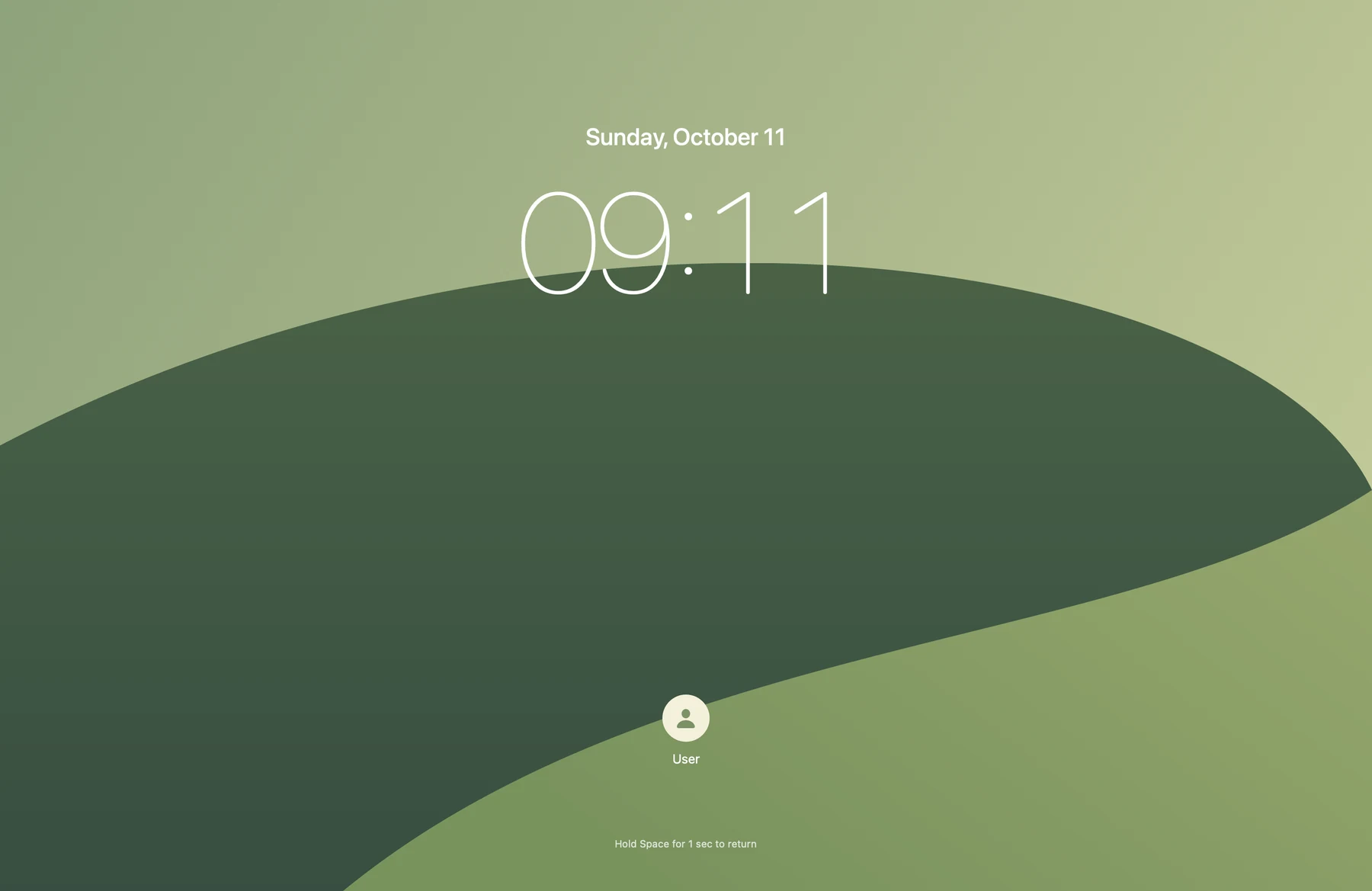
How do a cover, the system lock and sleep differ?
Veil covers the view without stopping other apps or invoking the system lock. The macOS lock provides access protection and is not the same as sleep. Most background tasks do not stop just because the screen is locked; a few apps may depend on an unlocked session. Check the app's actual behavior. Keep Awake prevents automatic idle sleep, but cannot guarantee task completion or prevent manual sleep.
Does it replace the macOS security lock?
No. Veil provides visual cover against peeking. Force Quit, restart, system interfaces or app-window capture may bypass it, and there is no screen-recording protection. For true security, use the macOS lock.
Why does it need Screen Recording permission?
Only requested when you explicitly select the Screenshot theme. Captures stay in RAM and are released when the cover ends. Clock, black, code, and office themes do not need this permission.
What if I forget the password or return key?
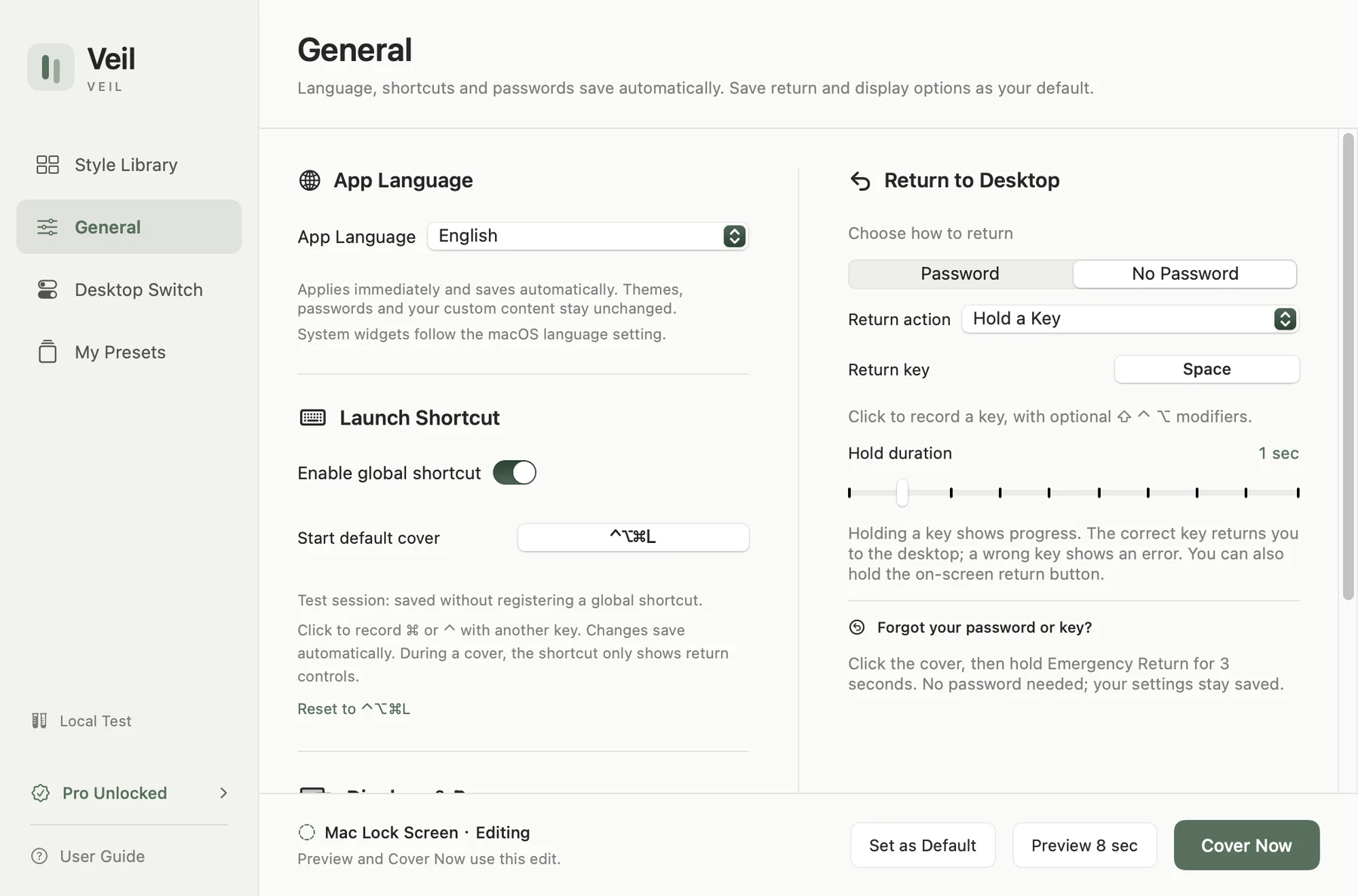
Click the cover and hold 'Emergency Return' for 3 seconds to force exit. You can then reset your password. Your settings will not be lost.
Is Pro a subscription?
No. Pro is a non-consumable, one-time purchase for advanced looks. All core features, return methods, and emergency exit are forever free.
Which Macs are supported?
Requires macOS 13 or later, supporting Apple Silicon and Intel. System desktop widgets require macOS 14+.